

Translate in Opera


Benefits of translating in Opera
Traduce el contenido de tu sitio web de forma fácil, segura y según tus condiciones.



Translate instantly, right in Opera
Can I resize the Google Translate panel in the sidebar?
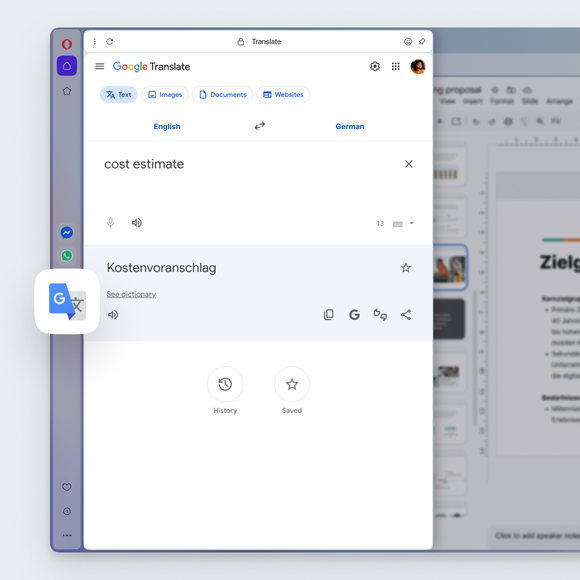
Yes. Just like other sidebar tools in the Opera browser, you can resize the Google Translate panel by dragging the edge of the sidebar. Adjust it to make the panel wider or narrower while you browse, so you can see translations comfortably without leaving your page.
How do I select a language for translation in Opera?
Go to Settings (press Alt+P or type opera:settings in the address bar) > Features > Opera Translate > Translate into this language, and select your default language from the dropdown menu.
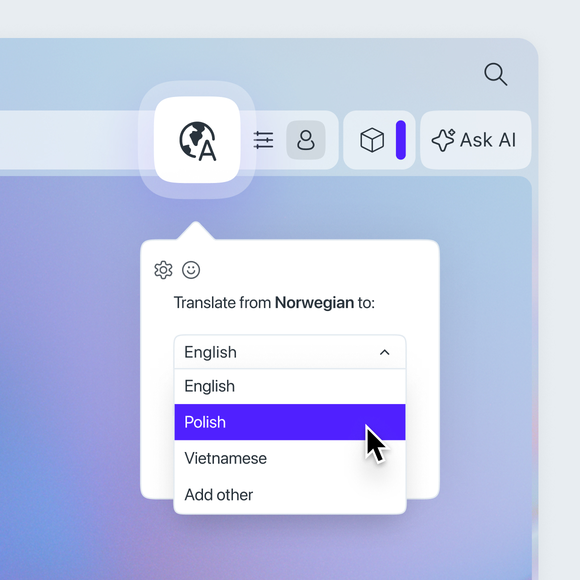
You can also change the language by clicking the globe icon on the right side of the address bar. Once you click, a popup will appear, where you can pick your preferred language.
¿Puedo impedir que se traduzcan determinadas lenguas?
Yes. Go to Settings (Alt+P) > Features > Opera Translate > Never offer to translate these languages. Add a language to the list and Opera will stop offering to translate it.
No quiero que se traduzca esta página. ¿Qué puedo hacer?
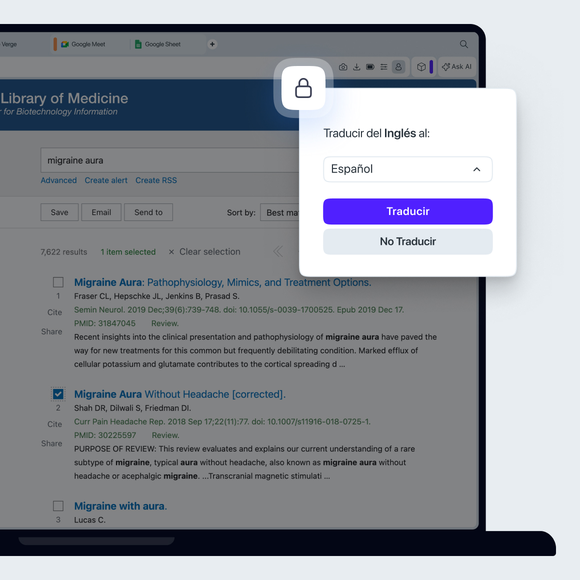
In the translation popup, simply select the option Never translate this site.
¿Qué pasa si he descartado la ventana emergente de traducción pero ahora quiero traducir la página?
Es fácil recuperarlo. Incluso después de descartar la ventana emergente inicial, un pequeño icono de un globo terráqueo permanecerá en tu barra de direcciones. Haz clic en él en cualquier momento para recuperar las opciones de traducción y traducir la página.
Te mereces un navegador mejor